 TVFin
TVFin
Your Jellyfin library, on Apple TV.
TVFin is a native tvOS app for the Jellyfin media server you already run. Movies, shows, music and Live TV, at ten feet, driven by the Siri Remote. It talks to your server and nothing else.
Coming to the App Store for Apple TV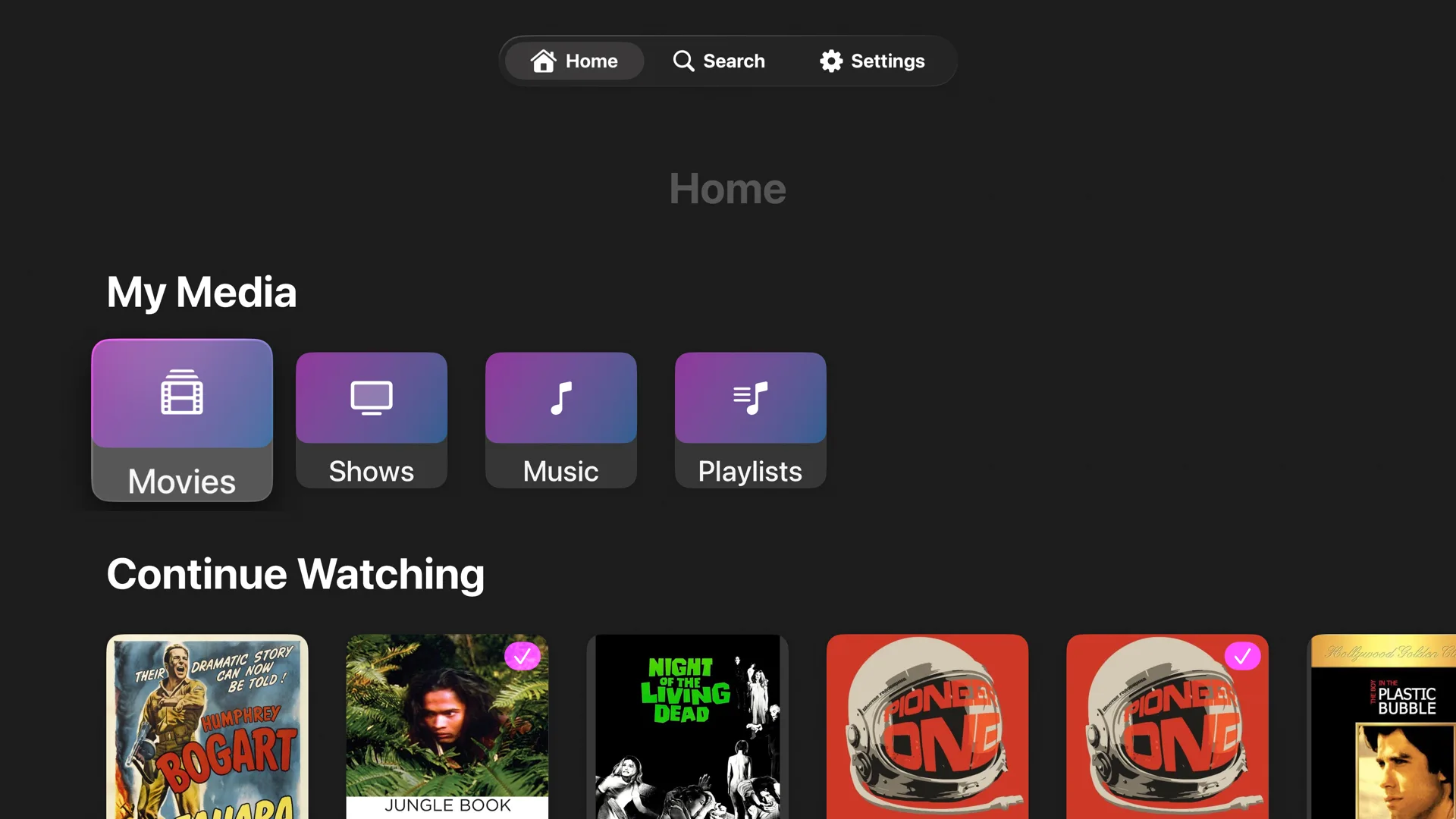
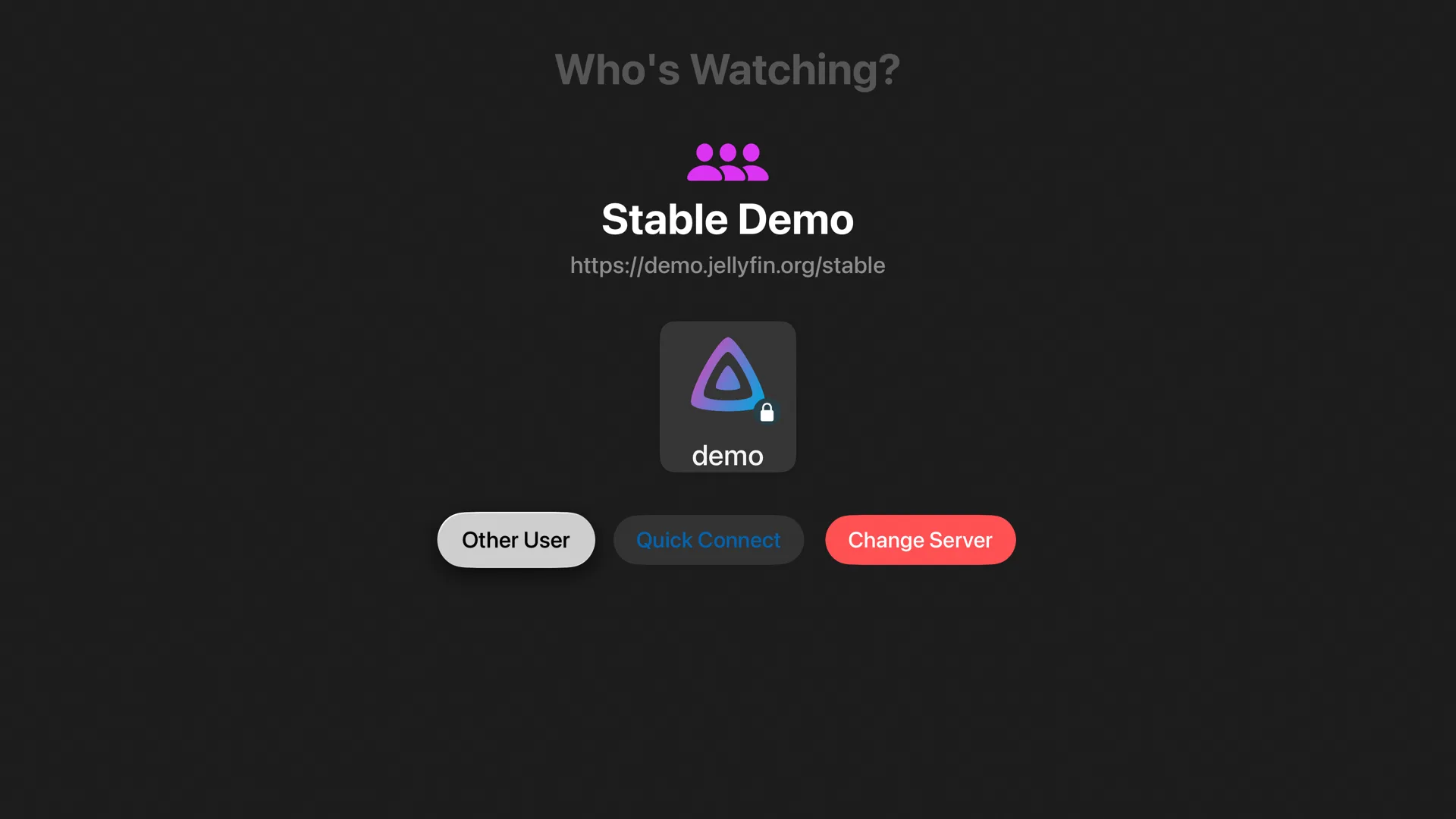
Point it at your server and pick a profile.
Type your server's address once. TVFin shows the profiles your server makes public, asks for a password when a profile has one, and supports Quick Connect, so you can approve the Apple TV from your phone instead of typing on a remote.
- Switch profiles without signing out
- Recent servers remembered on the device
- Works on your home network or over HTTPS
Large libraries, easy to get around.
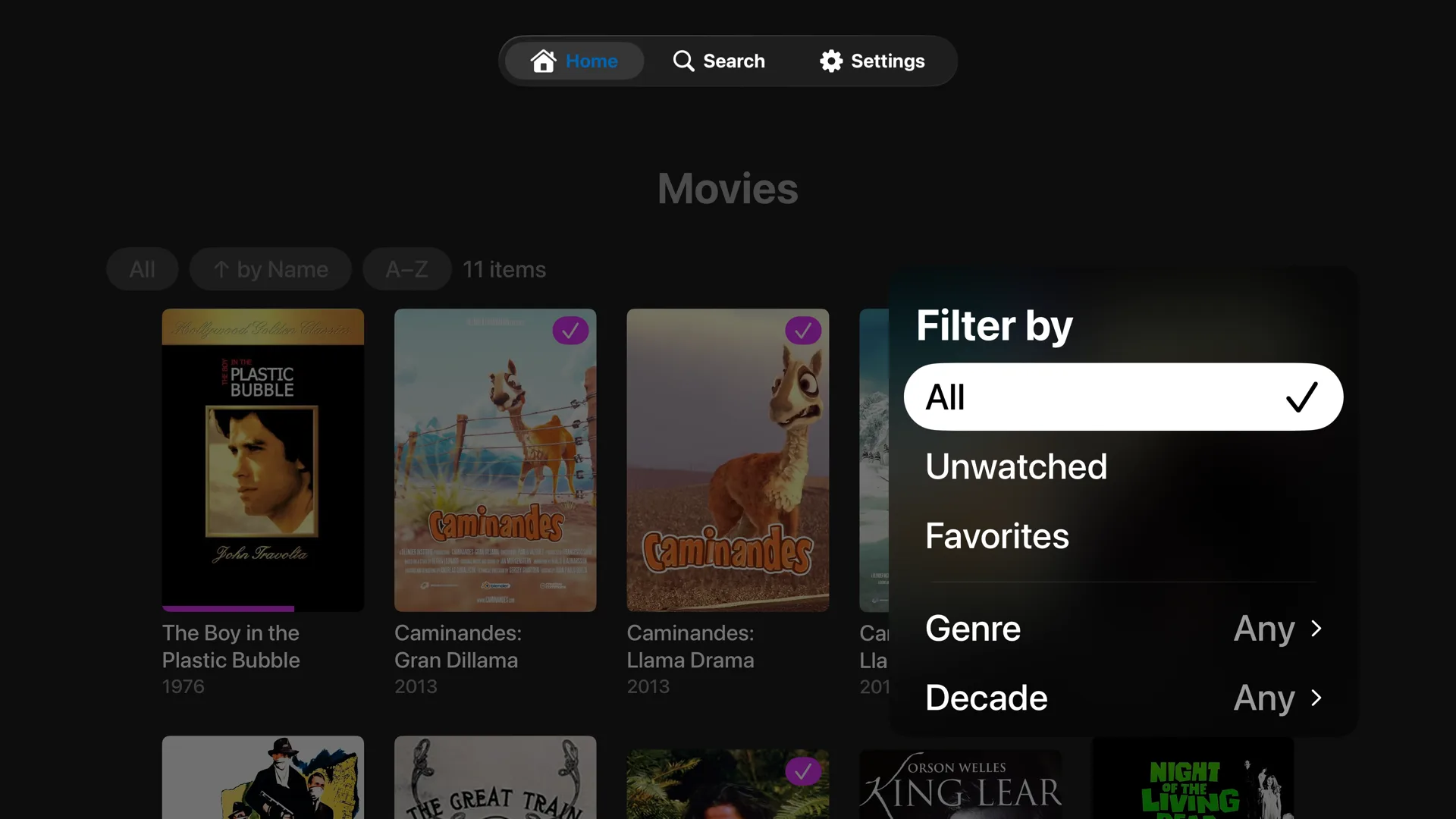
Every library sorts and filters the way Jellyfin's web client does, and loads a page at a time as you scroll, so a library of thousands of titles opens without waiting for all of them.
- Filter by unwatched, favorites, genre or decade
- Sort by name, date added, release date or rating
- Jump straight to a letter
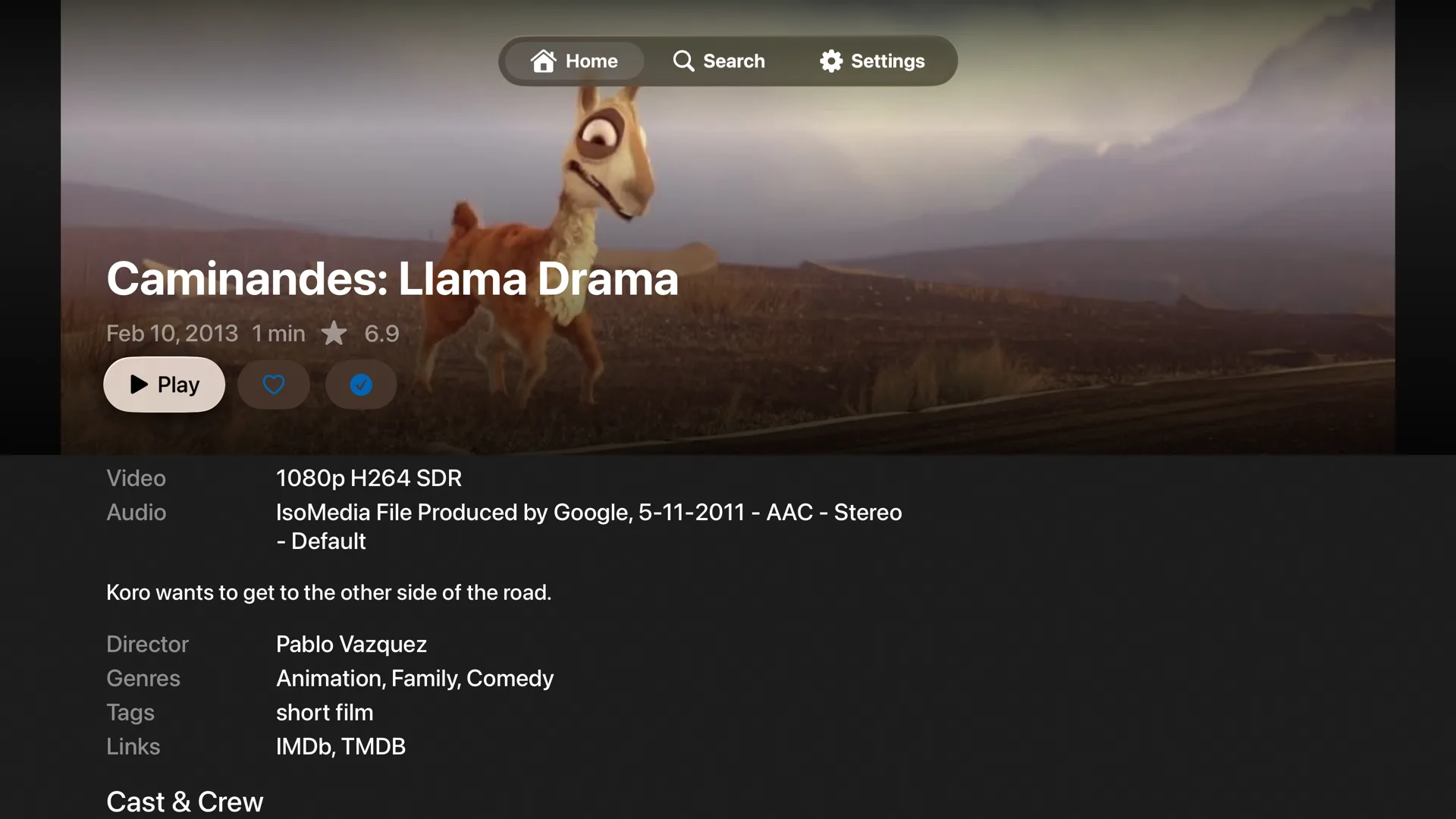
Everything your server knows about a title.
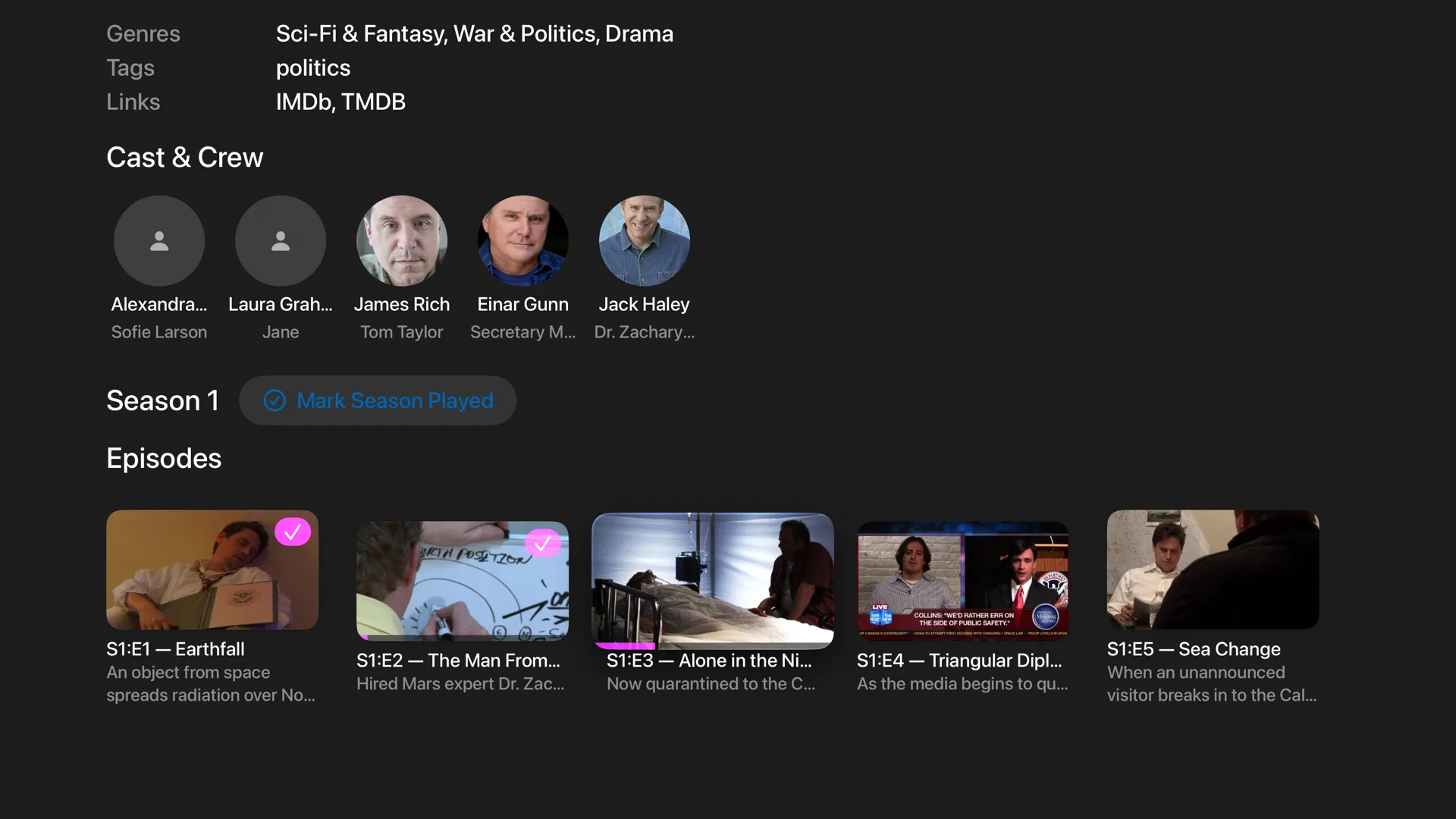
Backdrops, ratings, runtime, the video and audio formats on file, cast and crew, and one press to play, favorite or mark as watched.
Pick up where you left off.
Series pages lead with the next episode to watch. Seasons and episodes carry their progress, and a whole season can be marked played at once.
- Resume labels like “Resume S1:E3”
- Next Up and Continue Watching on Home
- Previous and Next Episode from the player
A player built on Apple's own.
TVFin plays through AVKit, the same player as the TV app, so the Siri Remote, audio routing and the system controls all behave as you expect, with Jellyfin's features on top.
Skip Intro and Credits
Uses your server's segment markers, with a Skip button that appears without bringing up the controls.
Your track choices
Audio and subtitle tracks follow the language preferences in your Jellyfin settings, and can be changed mid-play.
Subtitles your way
Size, color, background, font, weight, shadow and position.
Chapters and previews
Chapter markers and seek-bar thumbnails when your server provides them.
Up Next
Autoplay into the next episode, and an “Are you still watching?” check before it runs on all night.
Quality and HDR
Pick a streaming quality or cap it, switch quality during playback, and turn HDR and Dolby Vision on or off.
Not just movies.
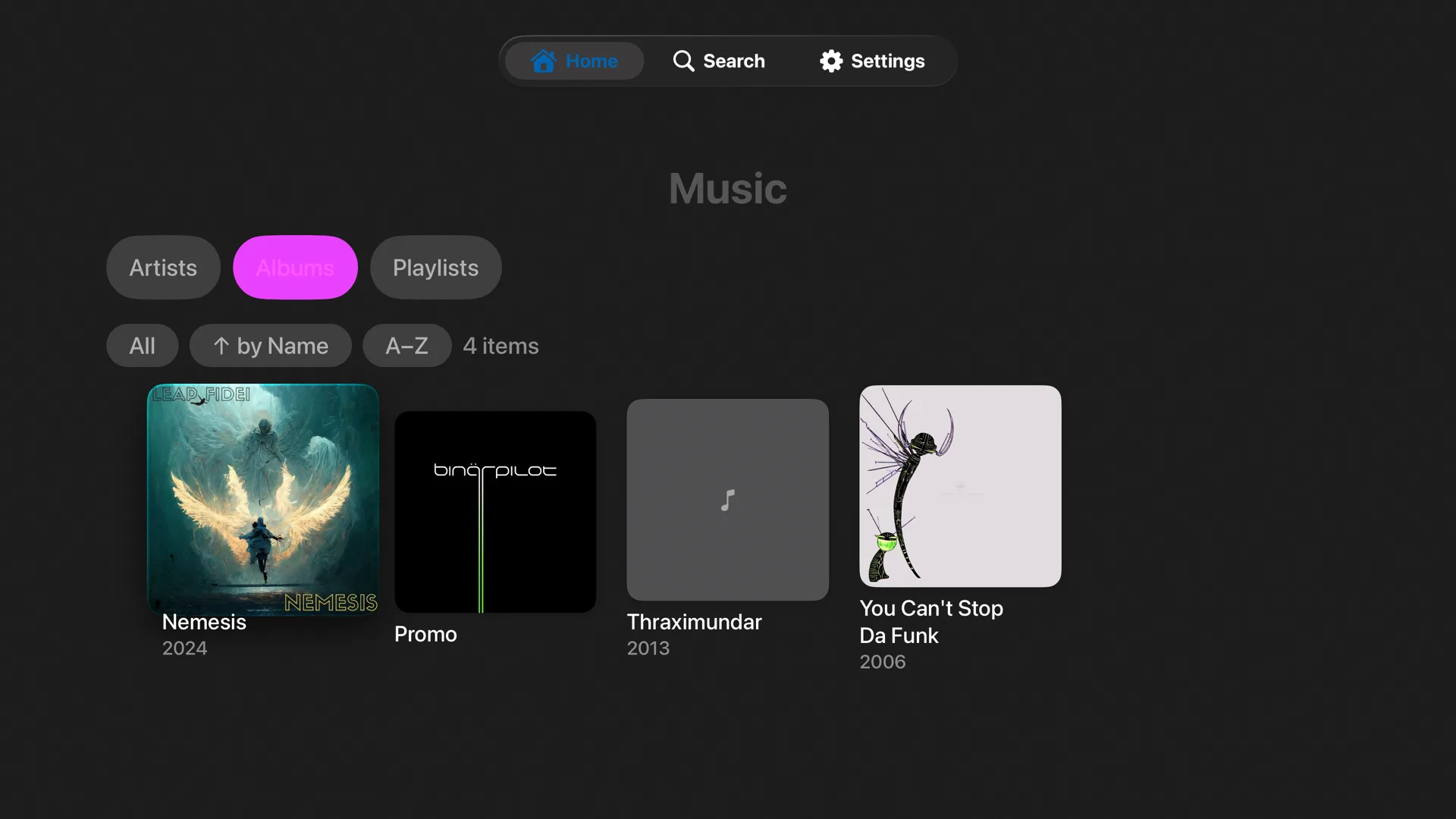
Browse artists, albums and playlists, play with shuffle and repeat, follow along with lyrics, and keep a mini-player while you browse. If your server has a tuner, watch live channels, check what's on next, and play your DVR recordings.
Nothing collected. No account to make.
TVFin has no analytics, no advertising, no tracking, and no server of its own. Your server address, profile and settings stay on your Apple TV, and the only place the app connects to is the Jellyfin server you choose. Read the privacy policy.
An Apple TV and a Jellyfin server.
TVFin runs on Apple TV HD and Apple TV 4K with tvOS 17 or later, and is tested against Jellyfin 12. You need a Jellyfin server of your own, or access to someone else's. TVFin does not host or supply any media.